Automation & Workflow Integrations
Every business has a handful of repetitive tasks eating hours every week, copying data between tools, chasing leads manually, building the same report by hand. I connect the tools you already use so that work happens automatically.
What This Actually Covers
n8n and Make workflows connecting tools that don't talk to each other natively. Covers lead generation automation, scheduled reporting, and REST API integrations across your stack.
Teams doing the same manual task more than a few times a week across tools that should already be talking to each other.
Get In Touch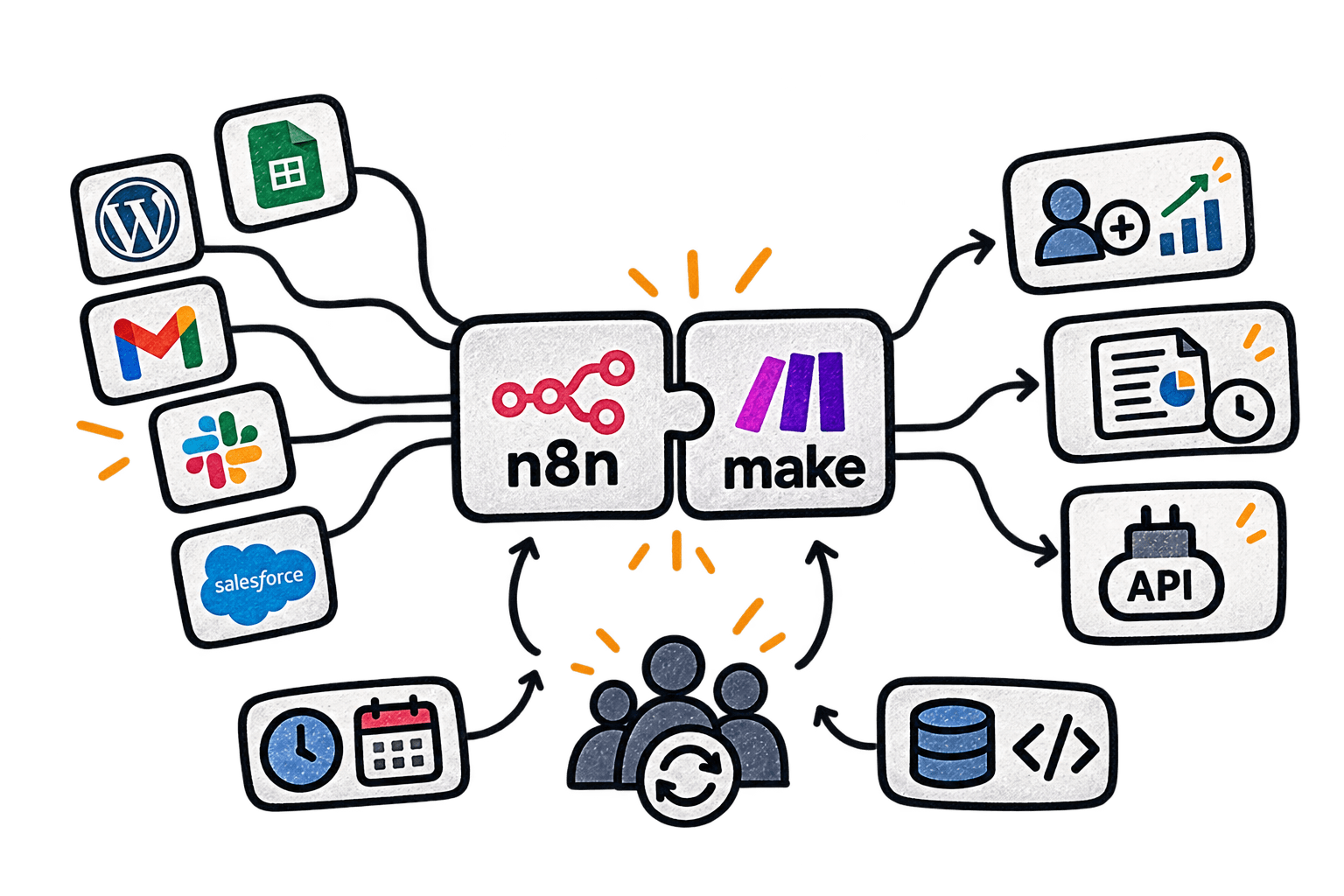
What You Get
Real outcomes, not just a checklist.
Systems that talk to each other
n8n and Make workflows connect tools that don't natively integrate, without duct-taped chains.
Built-in error handling
Monitoring and failure handling are part of the workflow from day one, not added after something breaks.
Reporting on autopilot
Data from multiple sources lands in one place on a schedule, no manual exports required.
Outreach that follows up itself
Cold outreach and lead scoring run on autopilot, with follow-up sequences that don't rely on someone remembering to send them.
How This Actually Runs
A clear process, on your timeline.
Scope
I map out the actual tools, data, and systems involved before touching anything, so the workflow is built against reality, not assumptions.
Connect
I build the integration or pipeline against your real data and accounts, not a sample dataset that behaves differently than production.
Validate
The workflow gets tested against edge cases and failure modes, not just the happy path it was designed around.
Launch
It ships with monitoring and error handling in place from day one, not bolted on after the first silent failure.
Iterate
Once it is running on real data, I adjust based on what actually happens, not what was assumed during scoping.
No copy-paste between tabs, no dropped leads. Just systems that just work. ⚙️
Get In TouchThe standards behind every Automation & Workflow Integrations project.
Error handling built in
Every workflow has a defined failure path, not a silent stall.
Safe to re-run
Running a workflow twice never double books a lead or duplicates a record.
Login details kept secure
API keys and login tokens for connected tools are stored and locked down properly.
Never overloads a tool
Workflows pace themselves so a burst of leads never gets a connected app to cut them off.
Monitoring and alerts
A failed run notifies someone. It does not just fail quietly.
Data validated before it moves
Incoming data is checked before it gets written into a CRM or spreadsheet.
Documented logic
Every workflow includes a plain-language explanation of what it does and why.
Testable in staging
New automations are proven against sample data before touching production systems.
Reporting you can read
Output is built for a human to actually use, not a raw data dump.
Maintainable handoff
The system stays understandable and adjustable by your own team.

Why Clients Choose This
A remote senior developer, done properly.
The usual worry about going remote is communication and turnaround. Both dissolve when updates come straight from the person doing the work, not relayed through an account manager.
What's left is the math, and it favors not paying agency overhead for the same work.
See All ServicesSelected Work
A visual track record beats a list of claims.
“I had a great experience working with Usman on my WordPress site. He's skilled, detail-oriented, and highly responsive. He exceeded expectations, offering valuable insights that enhanced the project. The process was smooth, and he delivered top-quality work on time. I highly recommend Usman for anyone in need of a talented and reliable WordPress developer.”
Questions before we start?
What tools do you build automations in?+−
Mainly n8n and Make, chosen based on what fits the client's existing stack and budget. Both connect to most CRMs, spreadsheets, email platforms, and WordPress directly.
What happens if an automation breaks?+−
Every workflow ships with monitoring and plain-language documentation, so you know before your client does, not after something has silently failed for a week.
How do we get started?+−
A short call or a written brief is enough for me to scope the work and give you a fixed quote or retainer estimate before anything begins.
Is this billed as a project or a retainer?+−
Depends on the work. One-time setups get a fixed quote, ongoing management runs as a retainer. I'll tell you which one fits before we start.
How long does setup typically take?+−
Varies by complexity, but most setups run from a few days to a couple of weeks. I’ll give you a specific timeline once I understand what’s involved.
Do I need to already have the tools or accounts in place?+−
Not necessarily. Part of scoping is figuring out what's already there and what needs setting up from scratch.
What happens if something breaks after setup?+−
Monitoring and error handling are built into the work itself, and ongoing support is available if you want it actively maintained long-term.
Do you work with clients outside the US?+−
Yes, I work remotely with clients across the US, UK, Europe, and beyond, with async updates covering the time zone gap.
Let's turn this into something that works.
Tell me what you're building, where you are in the process, and what you need for Automation & Workflow Integrations. I'll get back to you within 24 hours.